Unifi Networking Video Library
Choose a section you want to learn more about and be directed to several videos that can help!
How this page works:
This page is the central learning hub for my network newbies! Some of these lessons cover the core basic concepts of setting up a network, while others are a little more advanced in order to continue your learning journey. While there isn't a specific order they should be watched in, it is a good idea to make sure you have your core knowledge down first before advancing to more novice topics. Jumping ahead may create gaps in understanding later.
When you click into a lesson, you’ll be taken to a dedicated video page focused on that topic. That page may include multiple videos, supporting context, or handouts related to the lesson. Once you’re done with a section, you can return to this page to continue on to the next.
Make sure to check back, because new videos will be added as time goes by. (New videos can be requested in the community)

Stuff to know before
getting started
Learn about the pieces and parts that make up a network - Good things to know to give you an overall better understanding of Unifi
Full Interface Tour
Get a full tour of Unifi Network 10.6.106. Learn where the important menus are and what you need to focus on when first starting out.
VLANs VLANs VLANs
Learn how to setup VLANs on your network, assign them to switchports and how to assign them to your Wi-Fi networks
Zone Based Firewall Rules
Learn multiple ways to configure your zone-based firewall. I give you a couple examples of different ways to secure your network.
Network Optimization
Now that your network is setup, learn to use some of the built-in tools to optimize and further secure your network
The Other Stuff
This area covers the other parts of Unifi. Setting up a VPN, Unifi Protect,
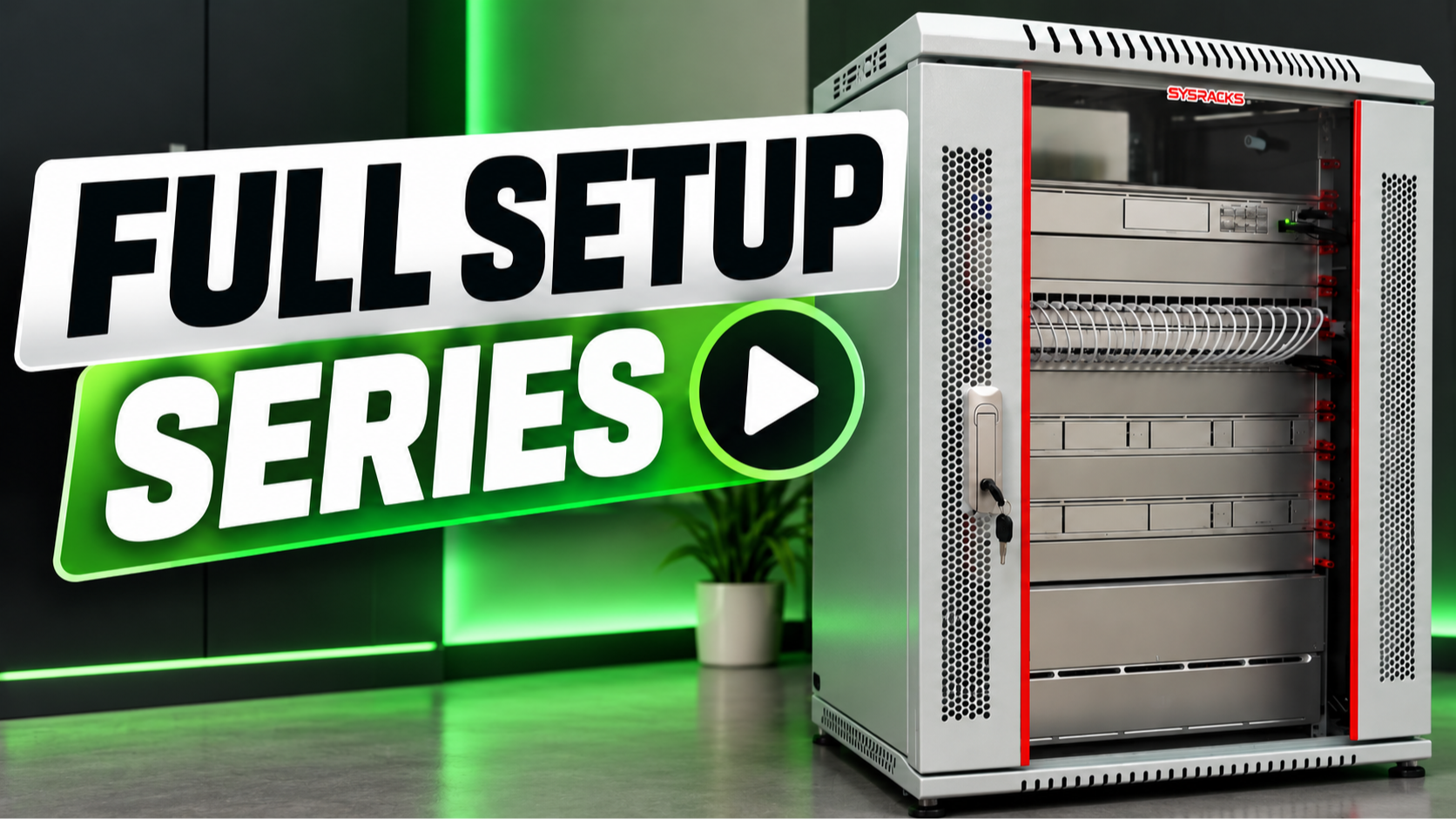
Full Network Setup - 10.6.106
See it all from start to finish... Use these videos to learn about Connecting your Gear, Setup your VLANs, Setup your Wi-Fi networks, Zone-based Firewall Rules, Optimization and more! (more videos will be added as I get them edited)